Settings
The platform, fitted to your school.
Branding, lookups, codes, roles, users. The single place where Edu Flick stops looking like generic SaaS and starts looking like your school.
Most of "moulding Edu Flick to your school" happens here. Branding, terminology, codes, lookups — all configurable, all live-previewed before save.
What we ship today
Today · live
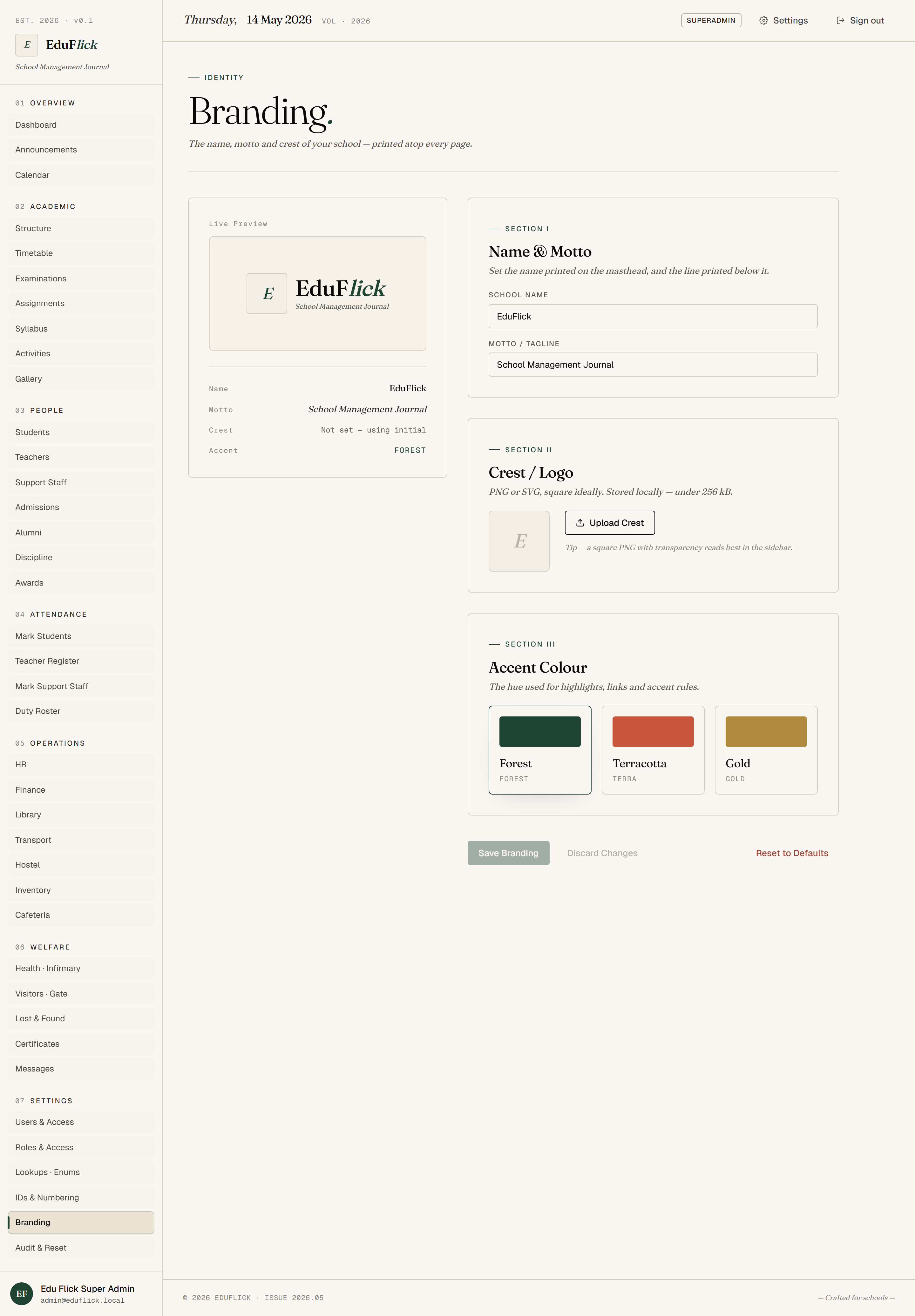
- Branding — Upload your school logo, set primary and accent colours, configure the email "from" name. Takes effect immediately for every user.
- Codes & lookups — Configure the small enums that drive dropdowns across the platform: categories, severity levels, document types, leave types. Keeps your school's terminology consistent everywhere.
- Roles — View the built-in role definitions and the permission groups attached to each.
- Users — Provision and manage every login: assign roles, reset passwords, deactivate accounts.
Tailored to your school
Mould it
- Custom typography — pick your school's typeface; Edu Flick wires it through every page.
- Custom domain mail — outgoing emails come from
noreply@yourschool.ininstead of generic. - Custom dashboard layout per role — drag-and-drop the cards each persona should see first.
- Custom lookup tables you can create from scratch (e.g. fee-category, leave-type, bus-route).
- Theme overrides for parent-facing pages so they look continuous with your school website.
- Pre-flight check — preview every page in your branding before committing the change.
Where AI takes this
Phase 4 · AI
- Brand-extraction — upload your school logo, AI proposes a matching colour palette.
- Permission baseline suggestions when you add new roles.
- Audit-log insights surfaced on the settings dashboard (who's been deactivated, who reset whose password).
Who uses it
Super Admin and Principal only.